Pause Vault
Use this action in emergency situations to immediately reduce the vault’s risk exposure. If you detect issues with the vault or any whitelisted market—such as a faulty oracle (e.g. reverting or reporting incorrect prices)—clear the supply queue without delay and remove the faulty market.
1- Clear the supply queue
Allocators, curators, and owners can clear the supply queue immediately to reduce risk exposure. Clearing the supply queue removes all markets (including the idle market) and stops new deposits from being allocated, preventing additional risk from entering the vault.
You can clear the supply queue using the Silo Actions App or directly via a block explorer (e.g. Etherscan).
Silo Action App
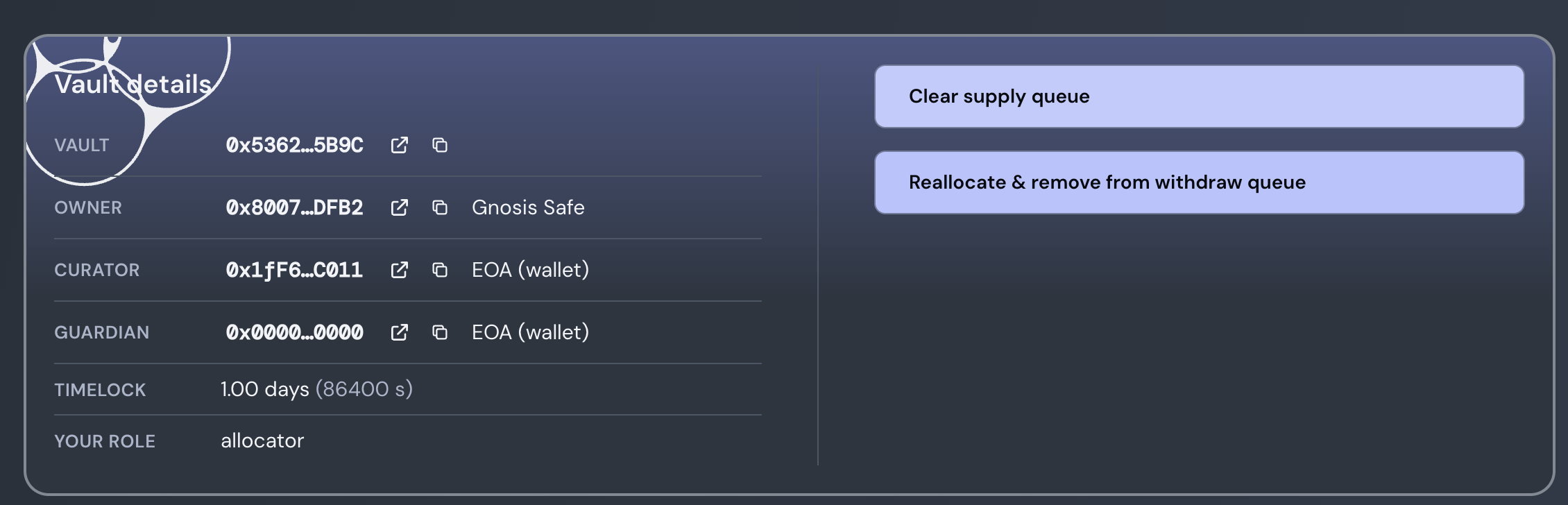
A- Navigate to Silo Actions App B- Connect your wallet to the correct network C- Paste the vault address D- Click on "Clear supply queue"
Etherscan
A- Head to Etherscan
B- Connect the Curator or Owner wallet
C- Navigate to function 23 "SetSupplyQueue"
D- Enter [] in the field (this removes all markets from the supply array)
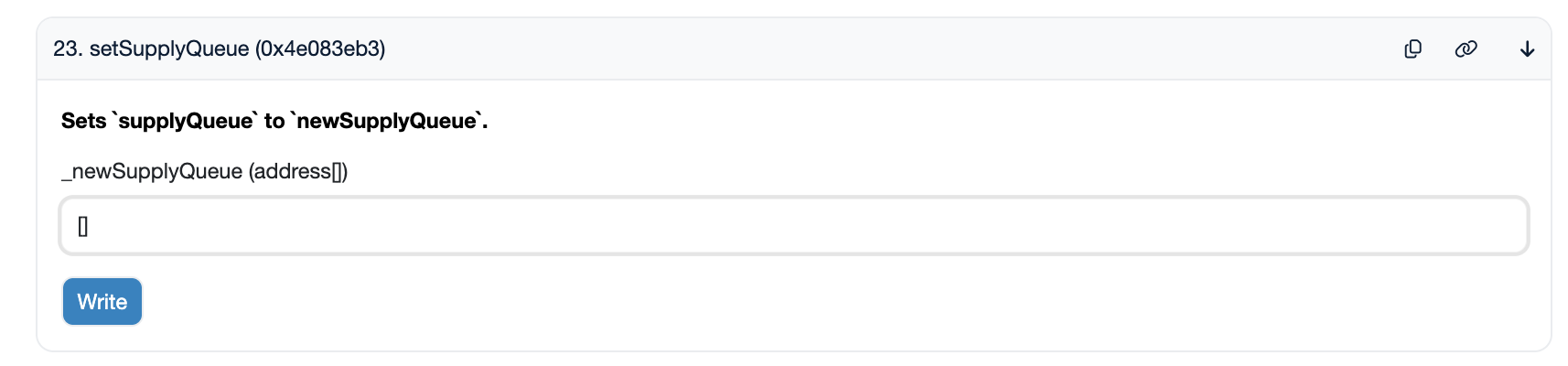
E- Submit the transaction
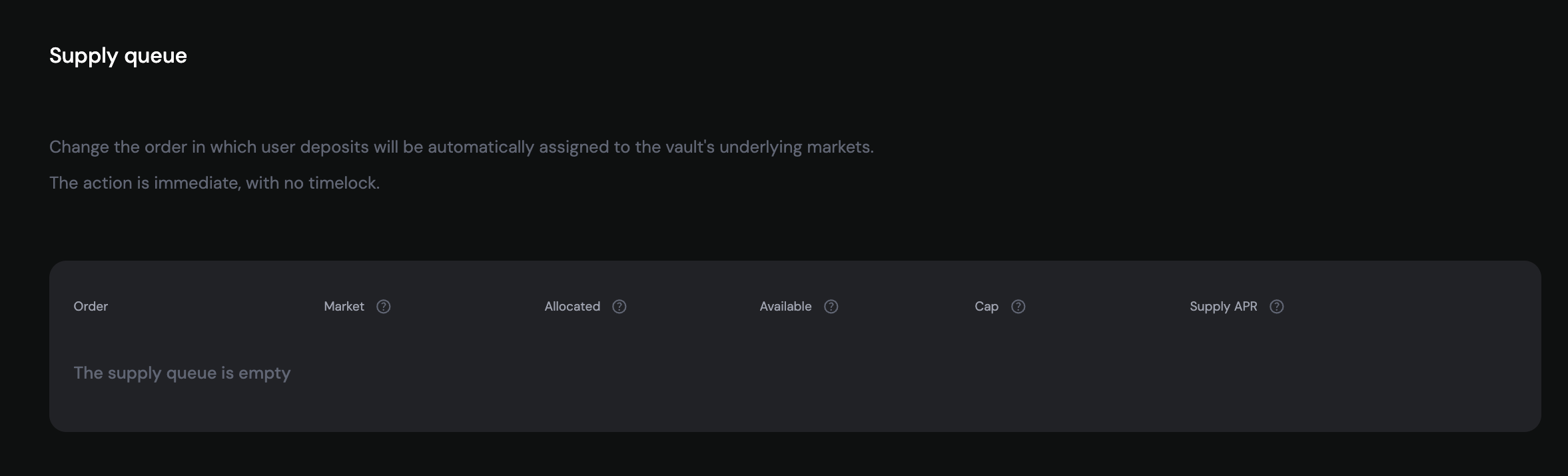
Execution is not timelocked. The Supply Queue will appear as follows in the Vault Management UI:
2- Remove the faulty market from the withdrawal queue immediately
Once the vault is paused, proceed to removing the market with faulty oracle.
You can remove markets using the Silo Actions App or directly via a block explorer (e.g. Etherscan).
Silo Action App
A- Navigate to Silo Actions App
B- Connect your wallet to the correct network
C- Paste the vault address
D- Click on "Reallocate & remove from withdraw queue"
Information
-
If the vault holds zero liquidity in the market, you can remove it immediately.
-
If the market is liquid, use the action "Reallocate & remove from withdraw queue" reallocate liquidity to other markets in the vault and then remvove the desired market immediately.
-
If the market is illiquid, the action will initiate forced removal. You will need to execute the action once the timelock expires.
When SiloVault re-adds a previously removed market where the vault has existing shares (Point 3), the assets from that market are distributed unfairly (evenly across existing depositors). This creates an opportunity for attackers to frontrun the market-add transaction and steal the re-added vault's deposited liquidity.